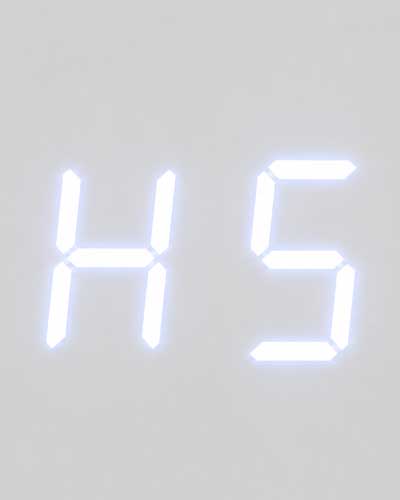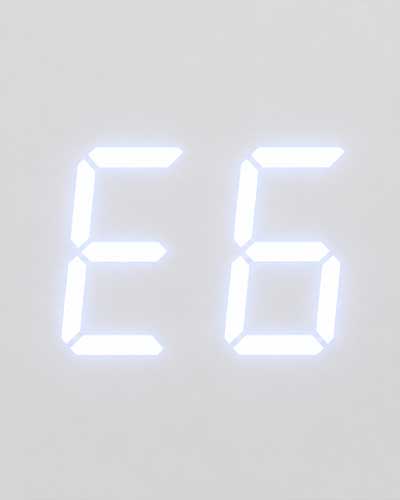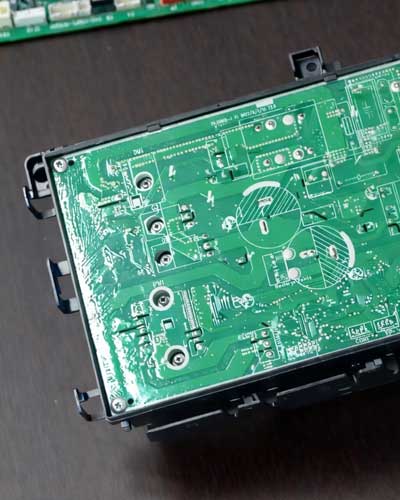

How to Diagnose and Clear a GREE F0 Error Code
|
A GREE F0 error code on the indoor unit means the system has entered refrigerant protection mode, a lockout triggered when the indoor coil sensor doesn't see an adequate change in resistance over time. Most F0s are charge-related. Diagnose by putting gauges on, confirming there is refrigerant and comparing pressure to the PT chart to confirm charge is in range (if pressure is substantially lower than the PT value, the issue is likely charge related). If there's no refrigerant, you likely have a leak, find and repair it. If there is refrigerant, do a hard reset (10-minute power cycle). If the system does not come back on, the indoor coil sensor is likely faulty or out of range. Ohm out or replace the indoor coil sensor. If the system does come on, if pressure drops below 100 PSI and holds, check the fan motor operation (fan auto-setting recommended). If pressure readings pass and FO persists, inspect the expansion valve and do a 4-point temperature check on the strainer, comparing both sides, a difference in temp likely means the strainer has a restriction. Next, verify the charge against the required charge for the install. Pull the charge, measure the line-set length, and compare the recovered weight to the per-model spec in GREE system documentation. If additional charge wasn't added at install, that could be the cause of F0. Otherwise there could be a leak. Find and repair the leak, pressure-test, evacuate, and recharge by weight. |
What Does the GREE F0 Error Code Mean?
A GREE F0 error code is displayed on the indoor unit and indicates the system has entered refrigerant protection mode (a lockout to protect itself from low refrigerant). The condition is triggered when the indoor coil sensor does not receive an adequate change in resistance over time.
What Causes a GREE F0 Error Code?
The three most common causes are: (1) additional refrigerant required by the install's piping was not added at install, or (2) the system has a refrigerant leak, or (3) the indoor coil sensor is faulty (find the ohms chart here). Charge requirements are published in the per-model submittals found in the GREE system documentation. Most F0 error codes are charge-related. If the cause is not charge-related, it is likely a faulty indoor coil sensor, identified during the 10-minute hard reset (described in Step 2 below), but it could also be expansion valve corrosion, or strainer restriction.
How to Diagnose and Clear a GREE F0 Error Code
Work through the steps below. Each step either resolves the F0 or rules out a cause and points you to the next step.
Step 1: Put Gauges on, Confirm Refrigerant Is Present, and Compare Pressure Against the PT Chart
Connect refrigerant gauges to the service ports, check for refrigerant in the system and that charge is in range. If there is no refrigerant at all, skip down to the leak-repair playbook below.
If there is refrigerant, compare the measured refrigerant pressure against the outdoor temperature on the PT chart. Pressure should be close to the PT chart value for the current outdoor temperature. This confirms the charge is in range, not that it is equal. The only way to verify exact charge is to recover and weigh in.
If pressure is substantially lower than the PT value, the issue is likely undercharged. Continue to Step 2 to confirm the issue is not a faulty sensor.
Step 2: Run the Hard Reset (10-Minute Power Cycle)
Perform a hard reset (10-minute power cycle). After 10 minutes, reapply power and see if the system comes back on.
If the system does not come back on, the indoor coil sensor is likely faulty. To confirm, ohm the sensor and compare against the per-model resistance values in the GREE ohm chart. Replace the sensor if needed, then confirm the F0 clears.
If the system comes back on, the cause is likely charge-related. Continue to Step 3.
Step 3: Observe Post-Reset Pressure Behavior (100 PSI Threshold)
After the reset, watch how refrigerant pressure behaves during operation, specifically relative to a 100 PSI threshold.
If pressure drops below 100 PSI and comes back up, continue monitoring.
If pressure drops below 100 PSI and holds, check the indoor fan motor for operation (fan auto-setting is recommended).
Step 4: Inspect the Expansion Valve and Perform a 4-Point Temperature Check On The Strainer
If pressure readings pass the test and F0 still persists, inspect the expansion valve for corrosion or coil issues. Then perform a 4-point temperature check on the strainer, comparing temperatures on both sides. A difference in temperature likely means the strainer has a restriction.
Step 5: Verify the Charge Against Required Charge for The Install
Pull the charge, measure the install's line-set length, weigh out the recovered refrigerant, and compare to the per-model requirements in the submittal published in the GREE system documentation. If the install required additional charge based on the line-set length and that additional charge was not added at install, that is likely the issue. Add the required charge by weight per the system documentation and confirm the F0 clears. If the recovered weight is short of the required spec but the install adjustment was added correctly, the shortfall is likely a leak. Proceed to the leak-repair playbook below.
How Do I Diagnose and Repair a Refrigerant Leak Causing F0?
If the indoor coil sensor, expansion valve and strainer all check out, and the error code isn't caused by inadequate charge based on the install's line-set length, then the F0 is likely caused by a refrigerant leak. Follow the steps below.
Step 1: Find the Leak
Use leak detection tools to locate the refrigerant leak in the system.
Step 2: Recover the Refrigerant (Unless Already Completed in Step 5 Above)
If you haven't already recovered the refrigerant during the charge verification step, recover it now using proper recovery equipment.
Step 3: Repair the Leak
Once the recovery is complete, repair the leak.
Step 4: Pressure-Test With Dry Nitrogen
- Pressurize the system with 500 PSI of dry nitrogen.
- Hold the pressure for one hour.
- Make sure your nitrogen regulator can generate 500 PSI.
- Carefully inspect for additional leaks.
Step 5: Evacuate With a Micron Gauge
Evacuate using a micron gauge. Vacuum specs differ depending on whether you are servicing an existing system or commissioning a new install.
- On a new installation, pull the vacuum down to 500 microns.
- When servicing an existing system, pull the vacuum down to 250-300 microns.
- Hold the vacuum for two hours to confirm it holds.
Step 6: Recharge the System by Weight
- While under vacuum, use a charging scale to weigh in the exact required refrigerant charge for the unit and the install's line-set length. Charge requirements are published in the per-model submittals found in the GREE system documentation.
- In cold weather, use a heat blanket or a halogen light to heat the refrigerant tank so the cylinder can deliver charge to the system.
Frequently Asked Questions About the GREE F0 Error Code
What does F0 mean on a GREE mini-split?
F0 displayed on the indoor unit means the system has entered refrigerant protection mode, a lockout to protect itself from low refrigerant. The condition is triggered when the indoor coil sensor does not receive an adequate change in resistance over time.
What are the possible causes of a GREE F0 error code?
Most F0 errors are charge-related. The three common causes are: (1) additional refrigerant required by the install's line-set length was not added at install (find the requirements published in the per-model submittals found in the GREE system documentation), (2) the system has a refrigerant leak, or (3), a faulty indoor coil sensor (find the ohms chart here). Occasionally, the issue is expansion valve corrosion or the strainer has a restriction.
Why does the PT chart matter when diagnosing F0?
Refrigerant pressure should be close to the outdoor temperature on a PT chart. If pressure is substantially lower than the PT value, the issue is likely charge-related. If the charge is in range, proceed with the hard reset (10-minute power cycle) and observe whether the system comes back on.
What should I inspect if pressure readings pass the F0 test?
If pressure readings pass the test and FO persists, inspect the expansion valve for corrosion or coil issues, and perform a 4-point temperature check on the strainer. A temperature difference on both sides of the strainer likely means the strainer has a restriction.
What pressure should I use to leak-test a GREE mini-split with nitrogen?
Pressurize the system with 500 PSI of dry nitrogen and hold for one hour. Make sure your regulator can generate 500 PSI.
What vacuum level should I pull when evacuating a GREE mini-split during F0 remediation?
On a new system, pull vacuum down to 500 microns. For an existing system, pull vacuum down to 250 to 300 microns and confirm it holds.
For Additional Insights On the F0 Error Code:
Watch this detailed diagnostic walkthrough: